Spider Curl
- Primary musclesBiceps
- EquipmentOther, EZ bar
- LevelBeginner
- ForcePull
AtletIQ — a workout log: working weight, sets and reps for your goal and level.
Calculate your weight in the app-
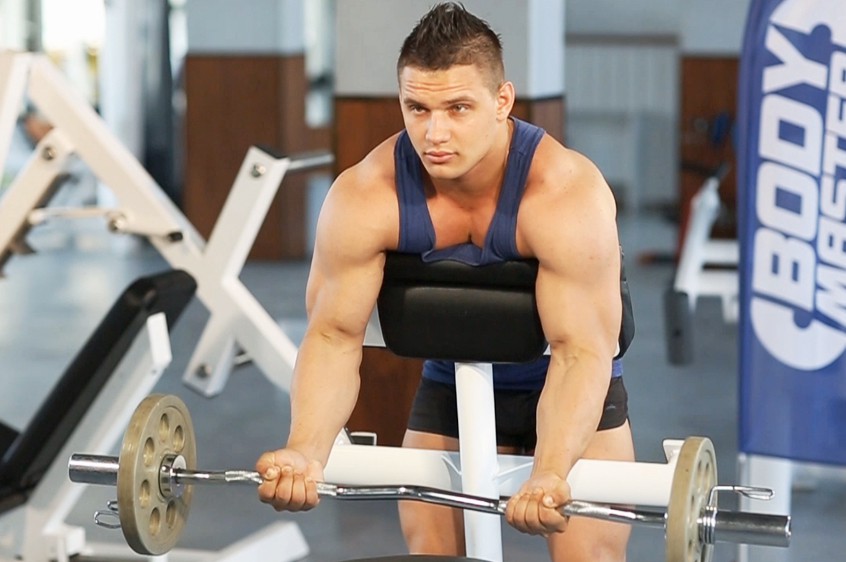 01Starting position
 -
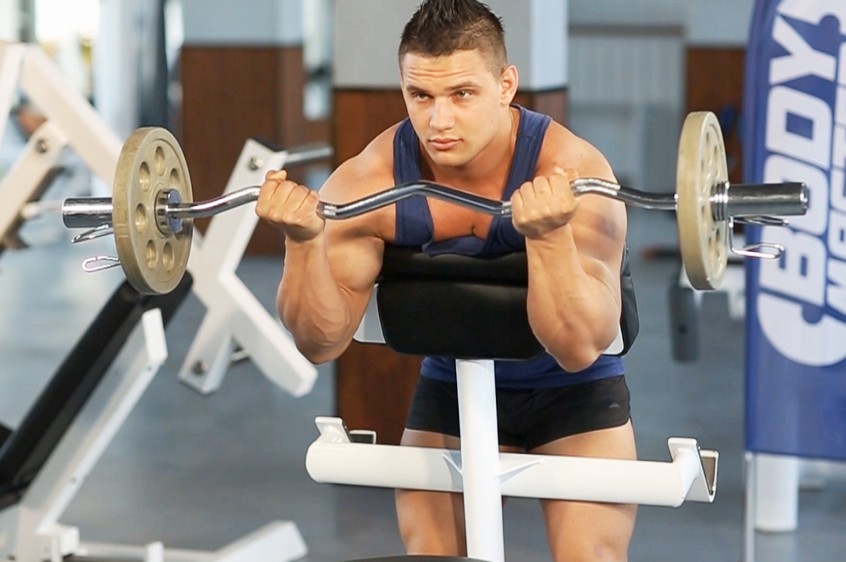 02Final position
-
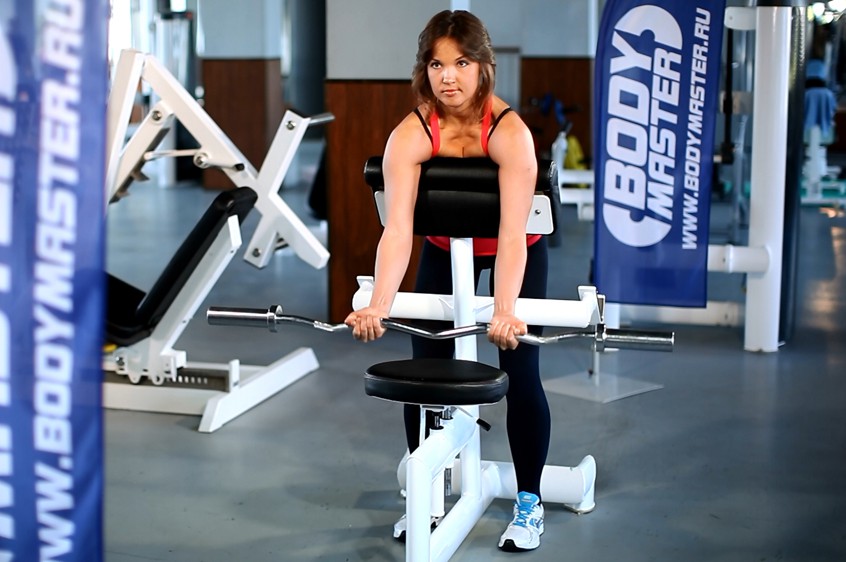 01Starting position
 -
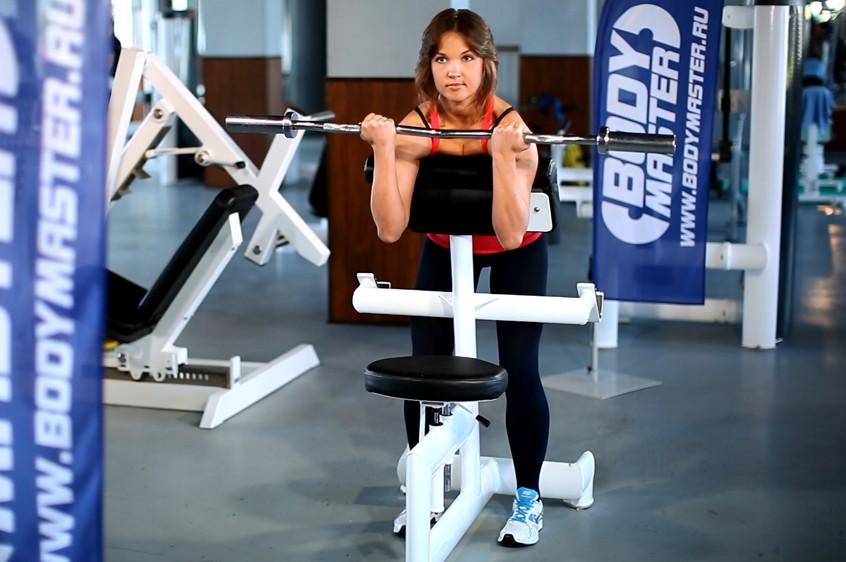 02Final position

Muscles worked
Primary muscles
What weight to use
Set your goal and fitness level — the AtletIQ app calculates the working weight and number of reps for "Spider Curl".
- Working weight for your goal and fitness level
- Sets, reps and rest in your workout log
- Progress for every exercise
| Workout | Weight | Sets × reps |
|---|---|---|
| 1 | 35.5 kg | 3 × 10 |
| 2 | 40 kg | 3 × 8 |
| 3 | 33 kg | 4 × 12 |
How to do it
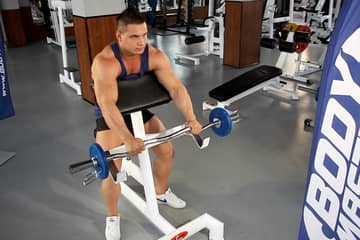
7 stepsStart out by setting the bar on the part of the preacher bench that you would normally sit on. Make sure to align the barbell properly so that it is balanced and will not fall off.
Move to the front side of the preacher bench (the part where the arms usually lay) and position yourself to lay at a 45 degree slant with your torso and stomach pressed against the front side of the preacher bench.
Make sure that your feet (especially the toes) are well positioned on the floor and place your upper arms on top of the pad located on the inside part of the preacher bench.
Use your arms to grab the barbell with a supinated grip (palms facing up) at about shoulder width apart or slightly closer from each other.
Slowly begin to lift the barbell upwards and exhale. Hold the contracted position for a second as you squeeze the biceps.
Slowly begin to bring the barbell back to the starting position as your breathe in..
Repeat for the recommended amount of repetitions.
Variation: You can also use dumbbells when performing this exercise. Just make sure you place the dumbbells on the part of the p
Similar exercises
All Biceps exercises · 49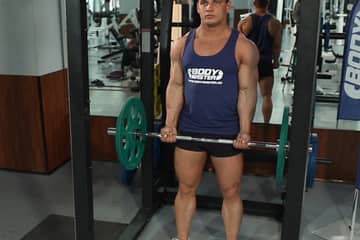
AtletIQ app
A workout log with working weight calculation: program, sets and progress on your phone.