Pin Presses
- Primary musclesTriceps
- EquipmentBarbell, Power Rack
- LevelIntermediate
- ForcePush
AtletIQ — a workout log: working weight, sets and reps for your goal and level.
Calculate your weight in the app-
 01Starting position
 -
 02Final position
-
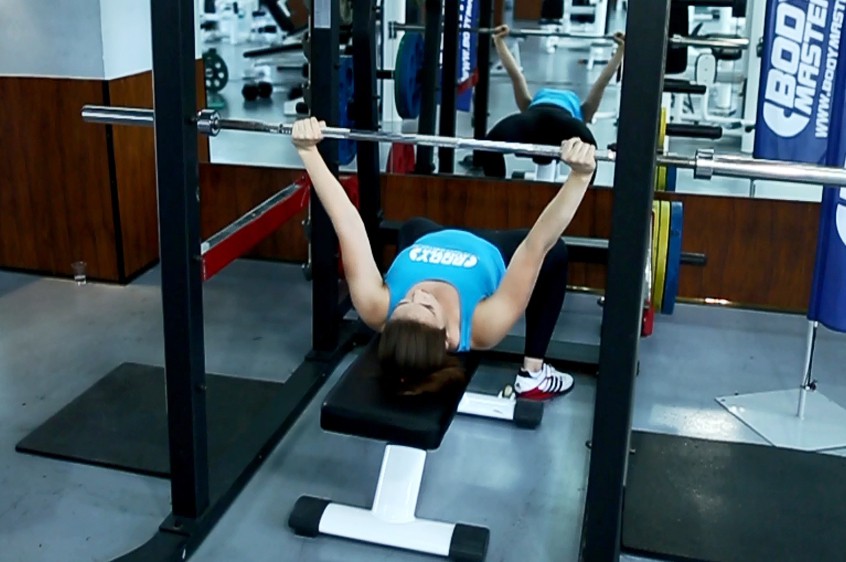 01Starting position
 -
 02Final position
What weight to use
Set your goal and fitness level — the AtletIQ app calculates the working weight and number of reps for "Pin Presses".
- Working weight for your goal and fitness level
- Sets, reps and rest in your workout log
- Progress for every exercise
| Workout | Weight | Sets × reps |
|---|---|---|
| 1 | 35.5 kg | 3 × 10 |
| 2 | 40 kg | 3 × 8 |
| 3 | 33 kg | 4 × 12 |
How to do it
6 stepsPin presses remove the eccentric phase of the bench press, developing starting strength. They also allow you to train a desired range of motion.
The bench should be set up in a power rack. Set the pins to the desired point in your range of motion, whether it just be lockout or an inch off of your chest. The bar should be moved to the pins and prepared for lifting.
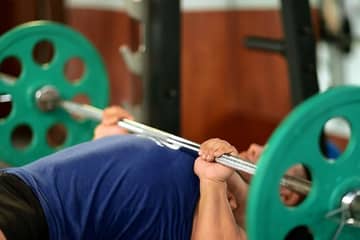
Begin by lying on the bench, with the bar directly above the contact point during your regular bench. Tuck your feet underneath you and arch your back. Using the bar to help support your weight, lift your shoulder off the bench and retract them, squeezing the shoulder blades together. Use your feet to drive your traps into the bench. Maintain this tight body position throughout the movement.
You can take a standard bench grip, or shoulder width to focus on the triceps. The bar, wrist, and elbow should stay in line at all times. Focus on squeezing the bar and trying to pull it apart.
Drive the bar up with as much force as possible. The elbows should be tucked in until lockout.
Return the bar to the pins, pausing before beginning the next repetition.
Similar exercises
All Triceps exercises · 47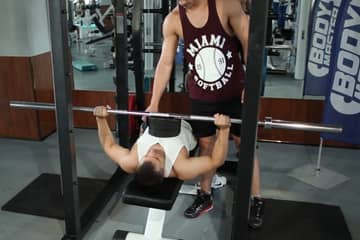


AtletIQ app
A workout log with working weight calculation: program, sets and progress on your phone.