Deadlift with Bands
- Primary musclesLower Back
- EquipmentBarbell
- LevelExpert
- ForcePull
AtletIQ — a workout log: working weight, sets and reps for your goal and level.
Calculate your weight in the app-
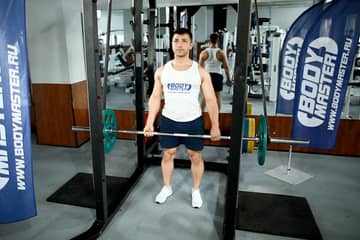
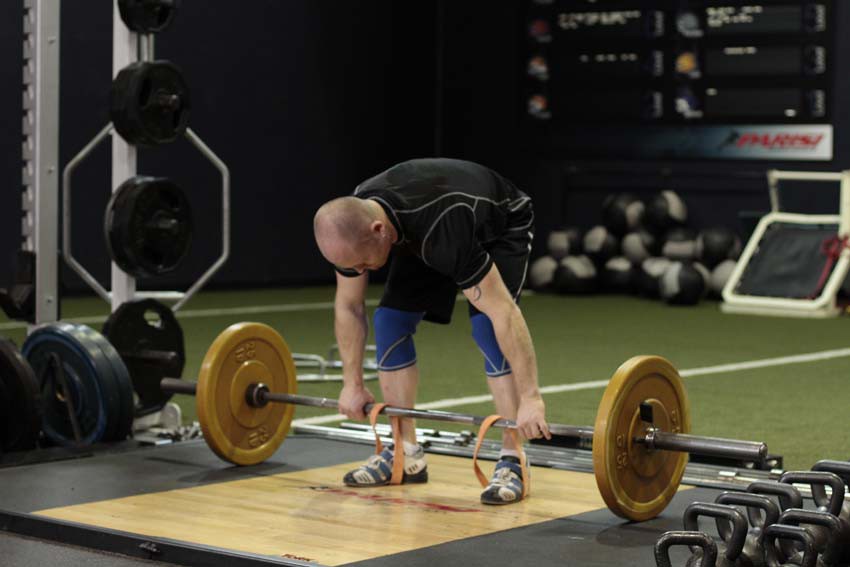 01Starting position
 -
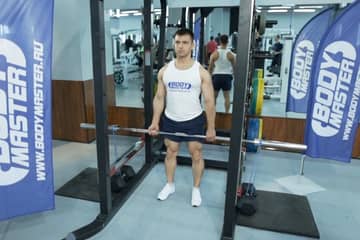
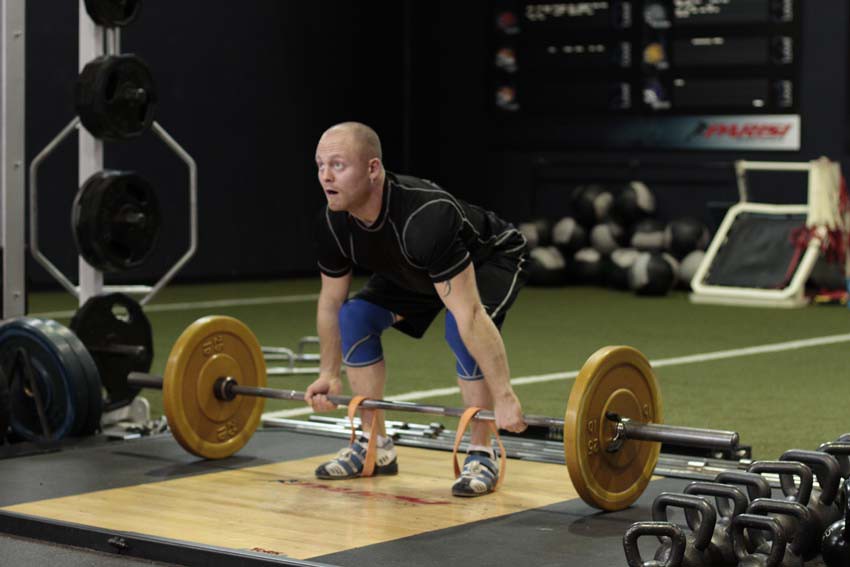 02Final position
-
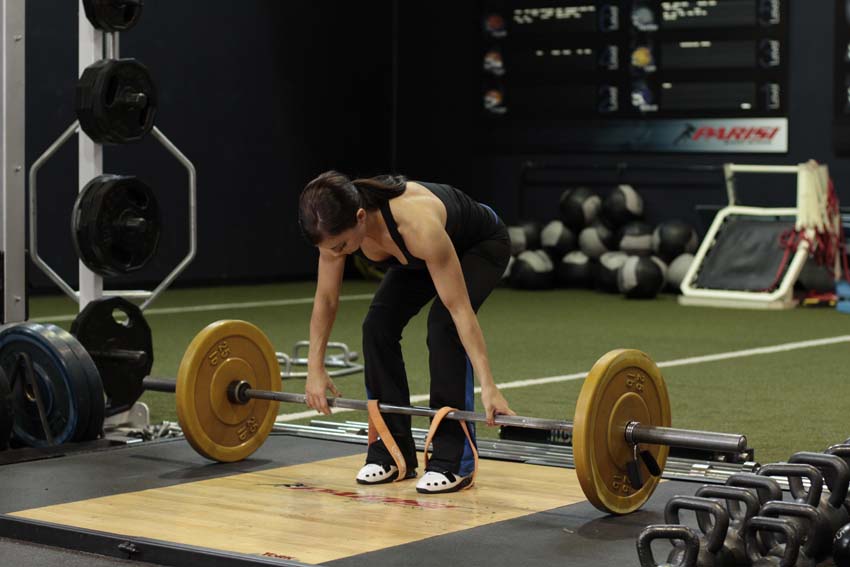 01Phase 1
 -
 02Phase 2
 -
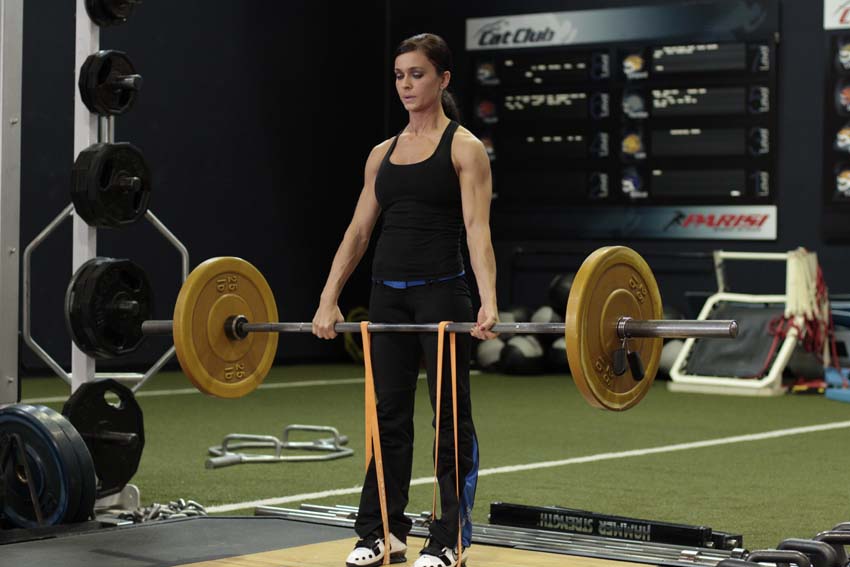 03Phase 3
Muscles worked
Primary muscles
What weight to use
Set your goal and fitness level — the AtletIQ app calculates the working weight and number of reps for "Deadlift with Bands".
- Working weight for your goal and fitness level
- Sets, reps and rest in your workout log
- Progress for every exercise
| Workout | Weight | Sets × reps |
|---|---|---|
| 1 | 35.5 kg | 3 × 10 |
| 2 | 40 kg | 3 × 8 |
| 3 | 33 kg | 4 × 12 |
How to do it
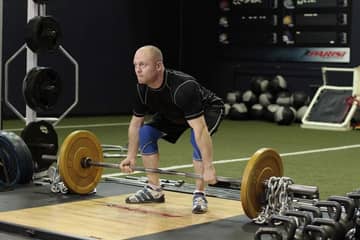
2 stepsTo deadlift with short bands, simply loop them over the bar before you start, and step into them to set up. For long bands, they will need to be anchored to a secure base, such as heavy dumbbells or a rack. Approach the bar so that it is centered over your feet. You feet should be about hip width apart. Ensure that the bands are under the back half of your foot (for short bands), directly where you are driving into the floor. Bend at the hip to grip the bar at shoulder width, allowing your shoulder blades to protract. Typically, you would use an overhand grip or an over/under grip on heavier sets.
With your feet, and your grip set, take a big breath and then lower your hips and bend the knees until your shins contact the bar. Look forward with your head, keep your chest up and your back arched, and begin driving through the heels to move the weight upward. After the bar passes the knees, aggressively pull the bar back, pulling your shoulder blades together as you drive your hips forward into the bar.
Similar exercises
All Lower Back exercises · 22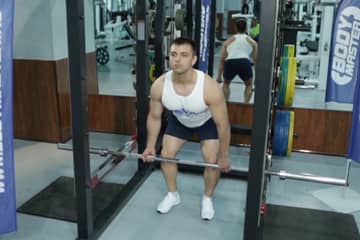

AtletIQ app
A workout log with working weight calculation: program, sets and progress on your phone.